🔧 Core Features
Intelligent Trajectory Generation
Topology-based intelligent selection tool - no need for point-by-point picking. Click on workpiece faces, edges, bodies, or wireframes to automatically generate welding trajectories and normals. Supports IGS/STP/STL CAD model import with direct extraction of point, line, and surface features.
Multiple Schweißen Types
Supports arc welding (linear, circular arc, and fillet welds), laser welding (high-precision contour welding for thin sheet panels), and complex spatial curve welding (automatic programming for 3D curves and intersecting lines).
Full-Dimensional Trajectory Optimization
Quick adjustment of torch position and path sequence; batch pose modification for multiple trajectories; smooth pose transition for continuous rotation during curved surface welding; automatic sorting by shortest path principle.
Multi-Device Collaborative Programming
Supports machine + robot collaborative offline programming; dual-robot synchronous welding (multi-head synchronous welding to increase productivity); one robot path can be executed by two different robots simultaneously.
Process Template Management
Provides welding process templates (current, voltage, speed parameters); user-defined parameters can be customized and exported; tabular management of welding parameters that can be loaded to welding points.
Collision Detection & Simulation
Simulate programmed paths with orange collision highlighting; real-time checking of robot reachability and axis limits; simulated paths can be color-coded to visualize welding path status.
🎬 Feature Showcase
📋 Intelligent Schweißen Process Planning
① Generate Initial Schweißen Path — Extract model features based on workpiece theoretical data to generate initial welding trajectory
② Schweißen Pose Adjustment — Plan path based on robot reachability; adjust point poses to eliminate unreachable or limit-exceeded states
③ Schweißen Parameter Setup — Tabular management of current, voltage, and speed parameters loaded to welding points
④ Process Simulation — Simulate programmed path with orange collision highlighting; modify poses to avoid obstacles
⑤ Post Processing Output — Output post-processed program and import to robot controller for execution
⑥ Weld Quality Inspection — Inspect weld seams and provide feedback on welding process parameters
⑦ Schweißen Knowledge Base — Form tabular welding data based on feedback parameters; adjust simulation path
⑧ Schweißen Closed Loop — Weld with new parameter path; progressively optimize quality to form closed-loop system
🏭 Applications
Auto Body Schweißen
Chassis Thick Plate
Luft- und Raumfahrt Structures
H-Beam Schweißen
Steel Structure
Sheet Panel Schweißen
Complex Spatial Curves
Multi-Robot Sync
🏭 Referenzprojekte
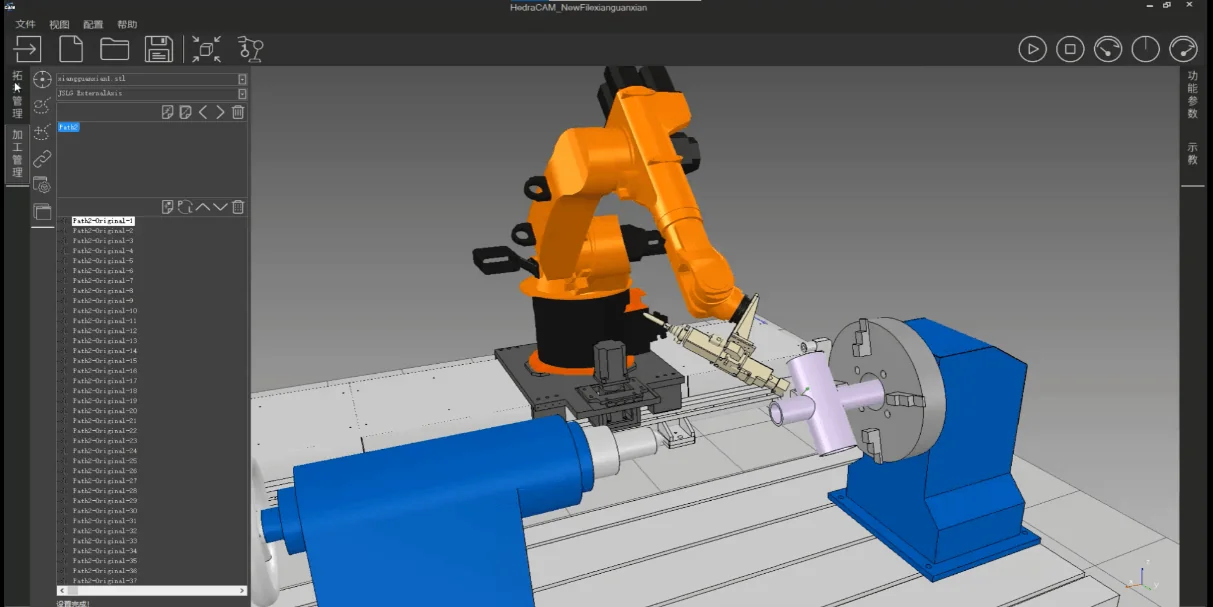
Intersecting Line Schweißen
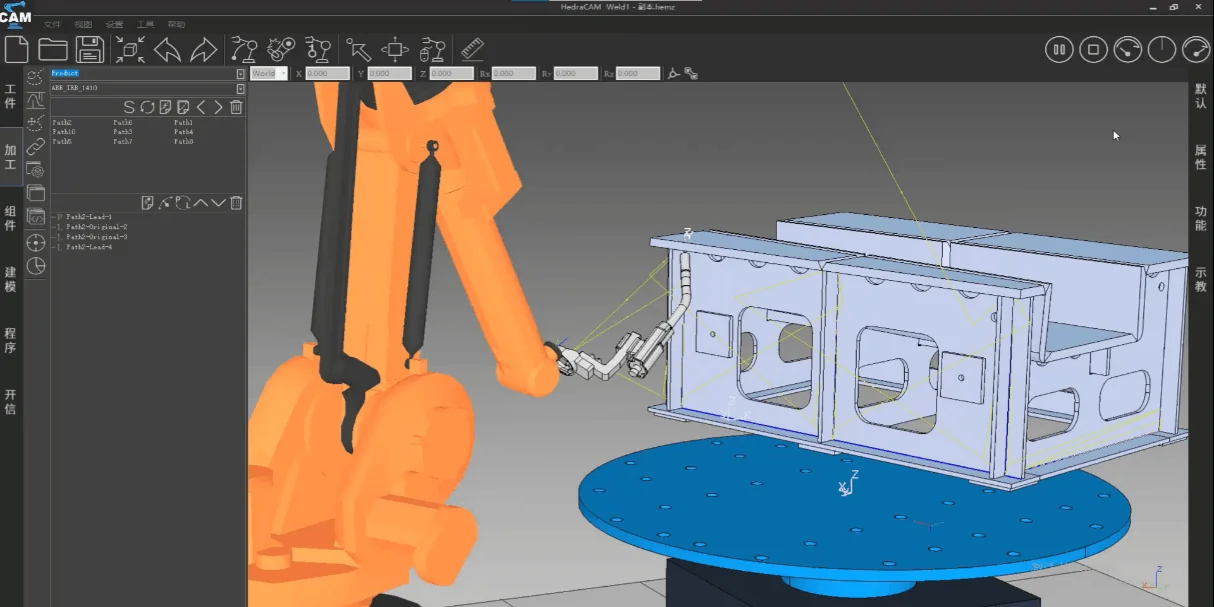
Luft- und Raumfahrt TIG-MIG Composite Schweißen
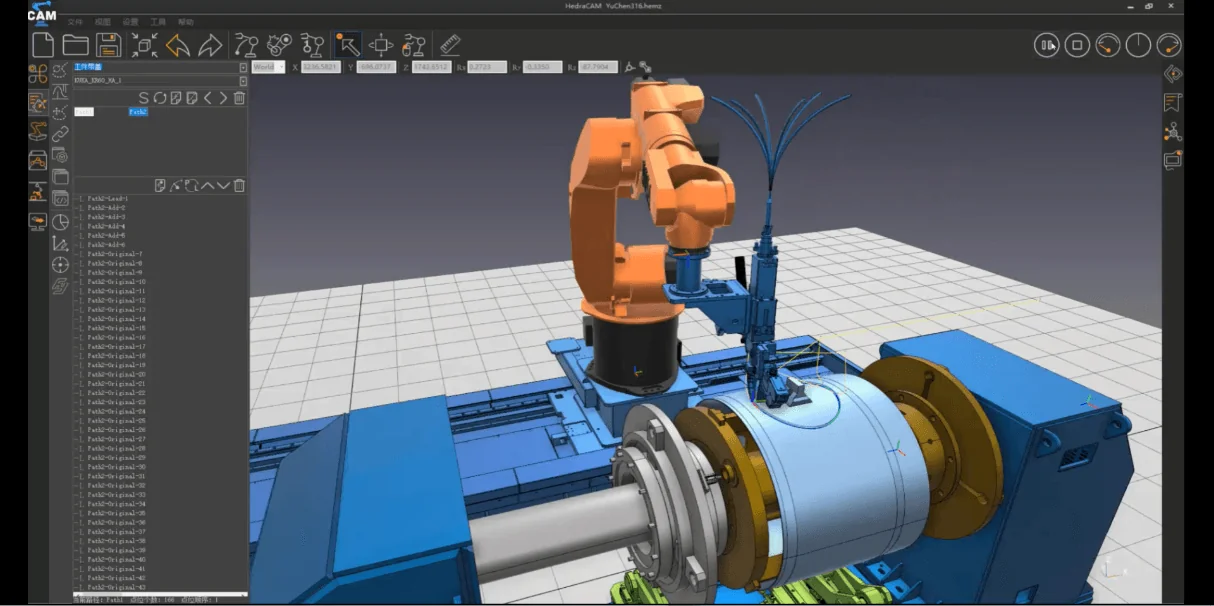
Luft- und Raumfahrt Shell Laser Schweißen
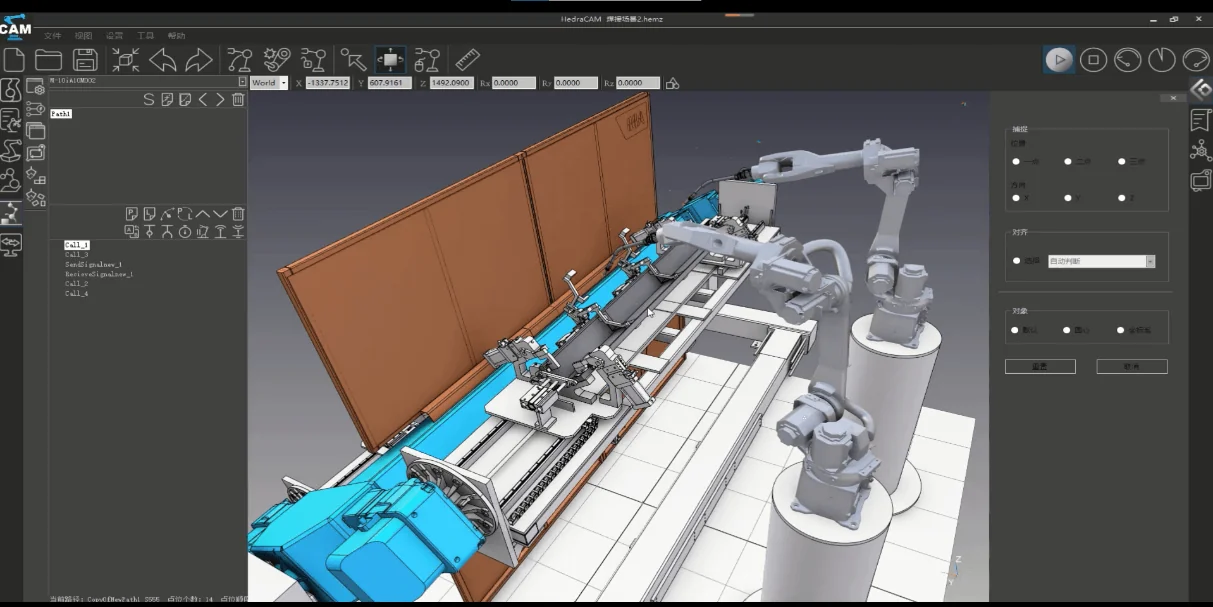
Dual-Robot Dual-Station Thick Plate Schweißen
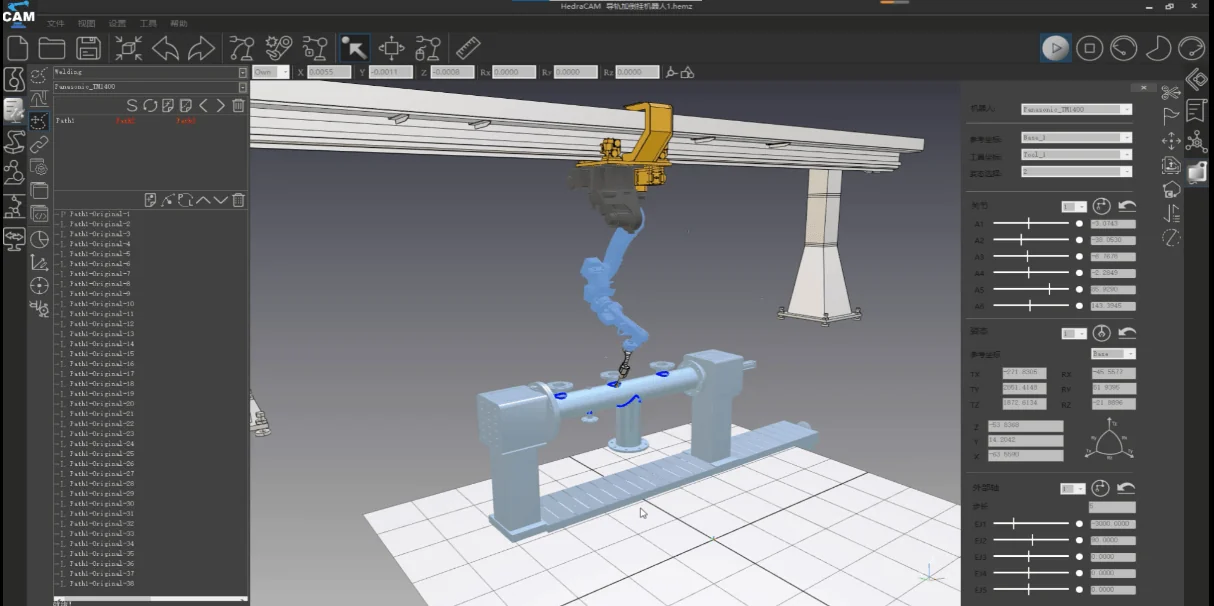
Oil Pipeline Multi-Layer Multi-Pass Schweißen
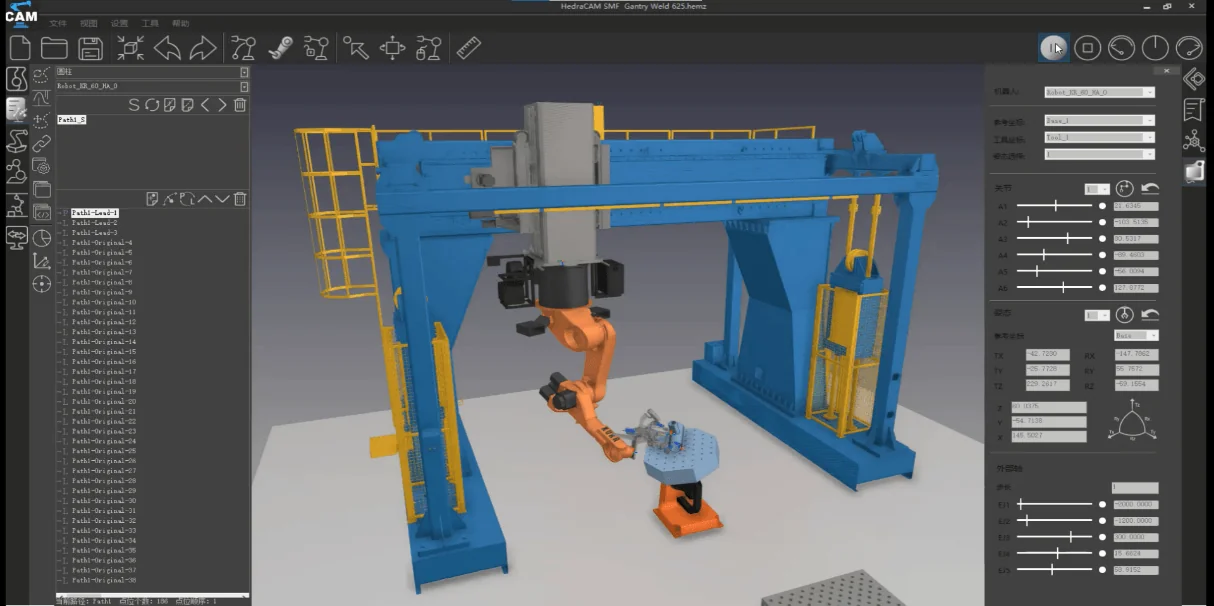
Gantry Schweißen
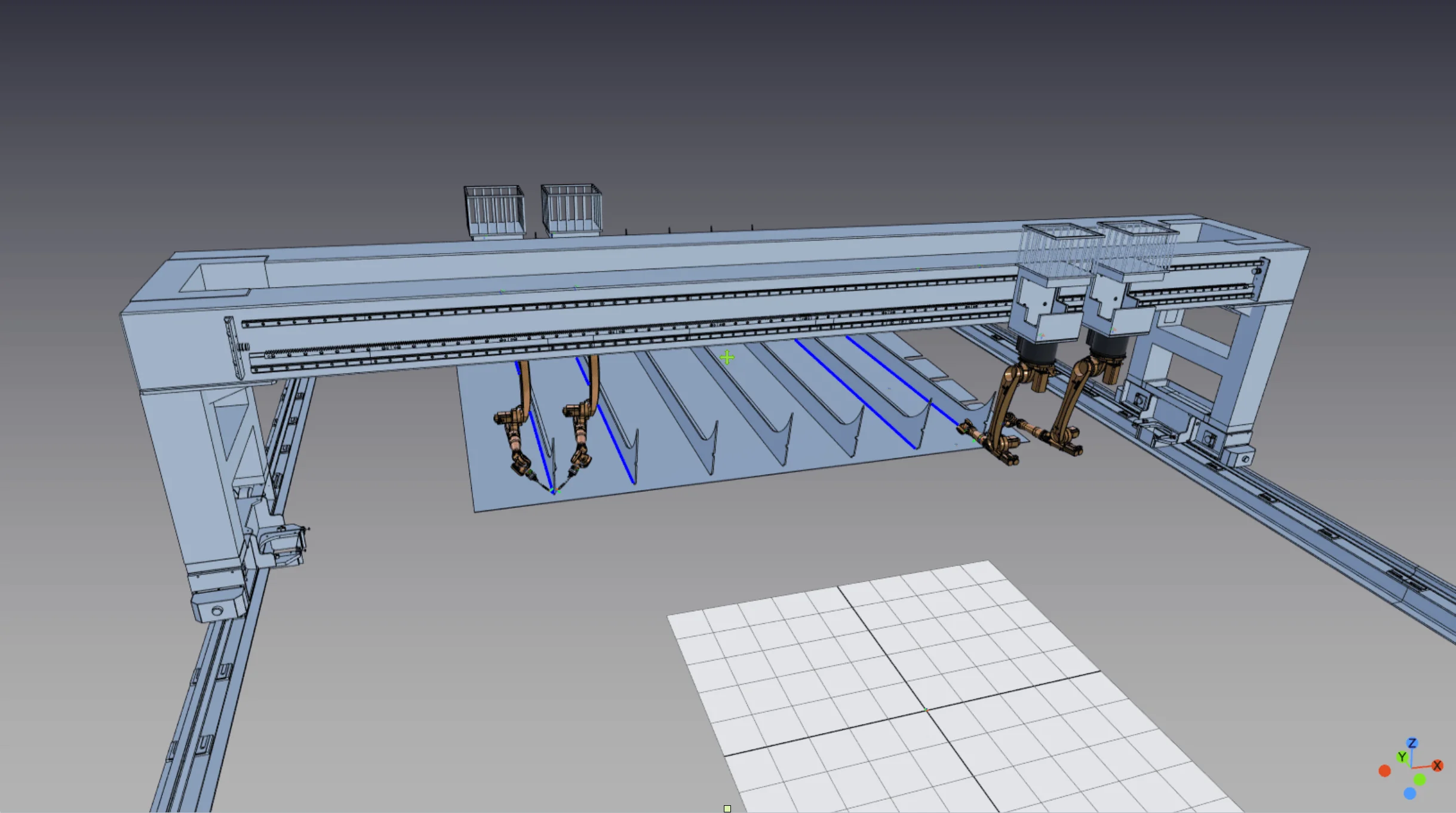
Shipbuilding Multi-Robot Collaborative Schweißen
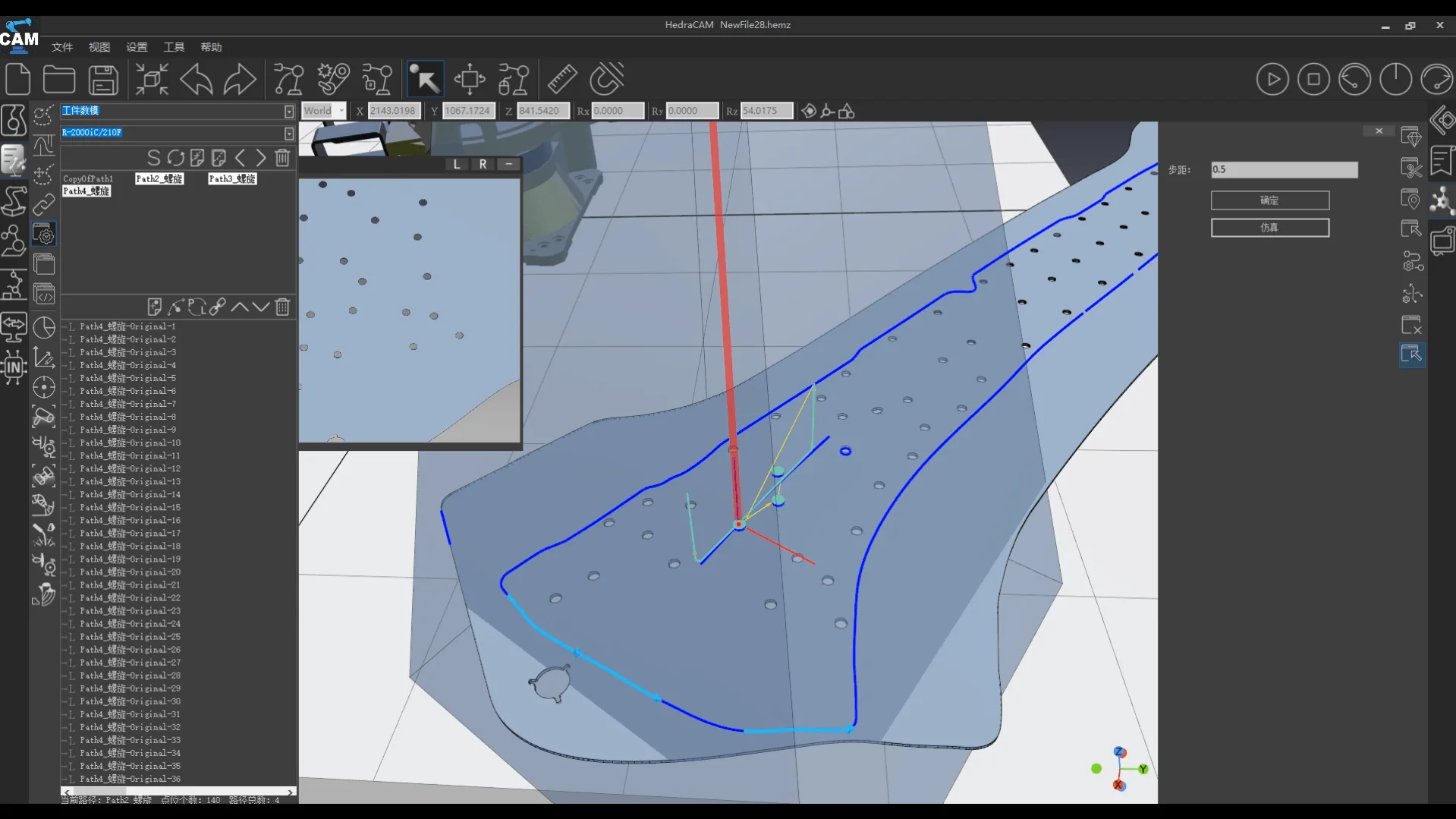
Body Galvanometer Flying Schweißen
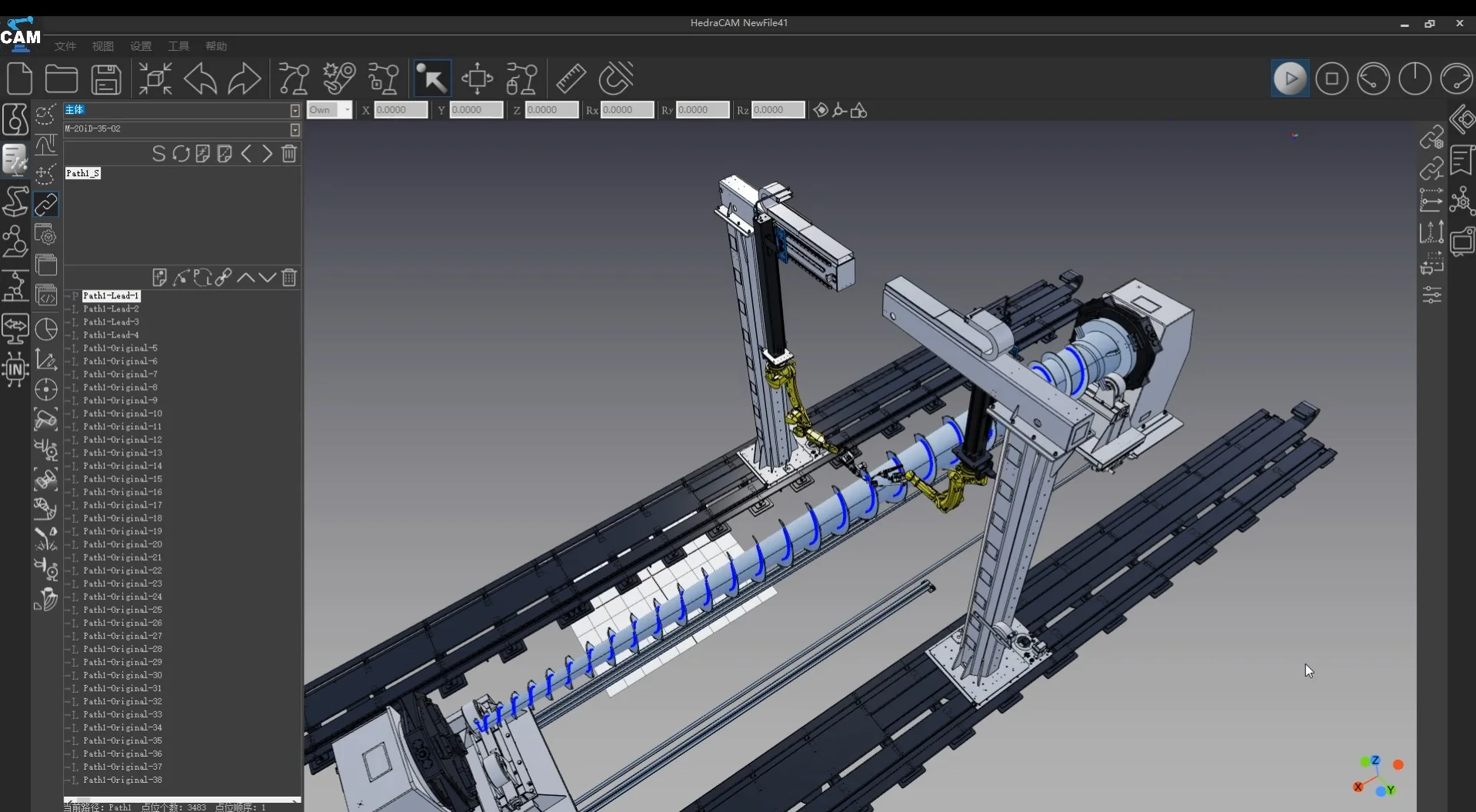
Agitator Screw 21-Axis Linkage Schweißen
🏆 Awards
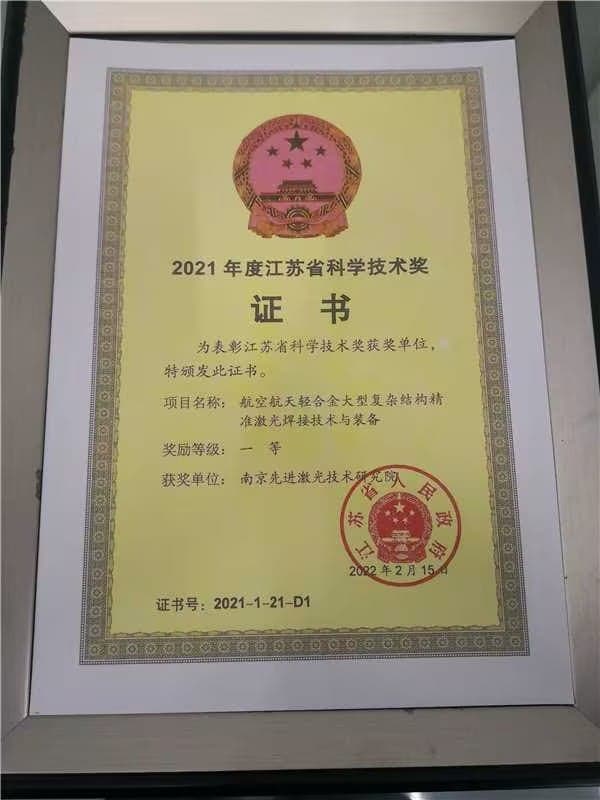
Jiangsu Province Science and Technology First Prize
HedraCAM welding process package provided robot offline programming technology for the large gantry dual-beam laser welding equipment project, and the project team won the 2021 Jiangsu Province Science and Technology First Prize.